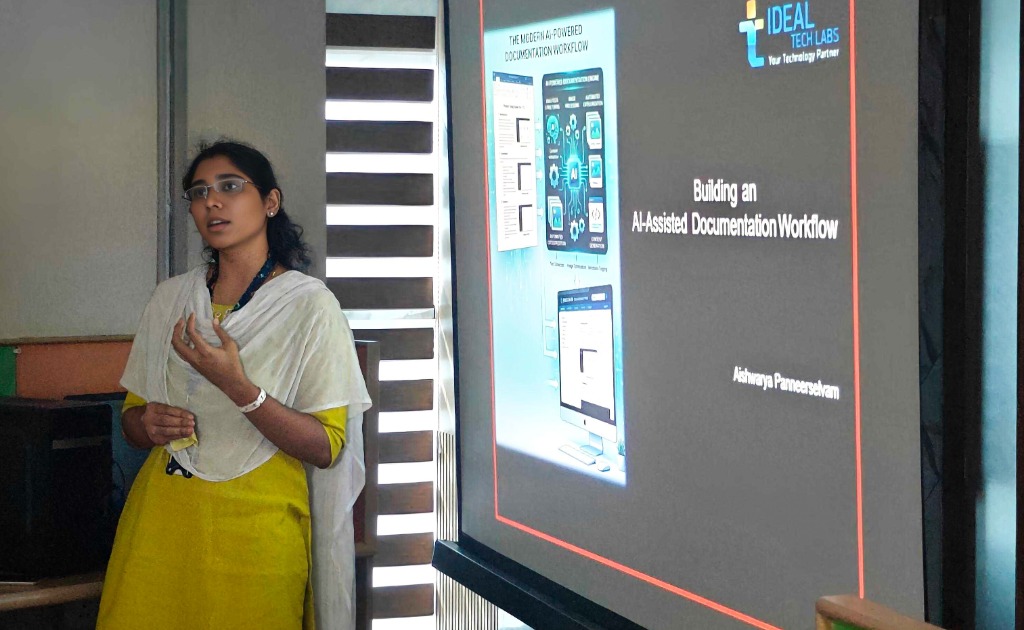
Have you ever felt that writing documentation is actually easier than maintaining it? That was exactly my situation. Creating user guides in Word was never the challenge — the real effort started when those documents had to be converted into HTML. Every update meant fixing formatting, organizing screenshots, updating image paths, and maintaining consistent HTML structures. As the documentation grew, I found myself spending more time managing layouts than creating content.
That challenge led me to explore an AI-assisted workflow for HTML documentation generation. Instead of manually building HTML pages, I continued creating documentation in Word and used prompts in Antigravity IDE to handle the conversion process. Anthropic Claude AI helped me refine both the workflow and the document structure to achieve more consistent results.
One key lesson I learned was that the quality of the generated HTML depends heavily on the structure of the source document. Module titles were formatted using a primary-colored title banner, major sections such as Overview and Features used Heading styles, and detailed subsections used Heading 1 styles. User actions were written using List Paragraph formatting, while screenshots were consistently center-aligned. Following these standards allowed the AI to correctly understand the document hierarchy and generate well-structured HTML content.
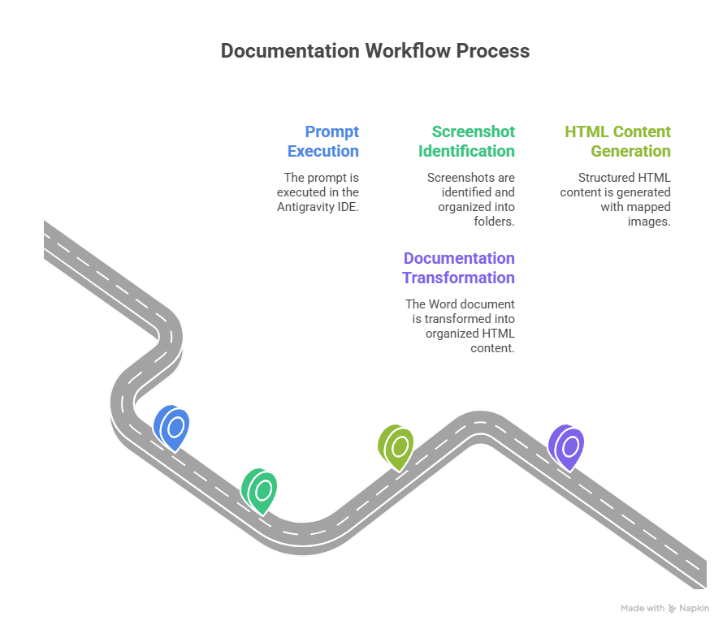
Once the prompt was executed in Antigravity IDE, the system first organized all screenshots into dedicated image folders before generating the HTML with properly mapped images and formatting. Watching a Word document transform into organized HTML content with minimal manual effort completely changed how I viewed documentation workflows.
Documentation maintenance became equally straightforward. The Word documents were stored in a dedicated docs folder, which served as master content repository. Whenever content or screenshots needed to be updated, I simply modified the Word document, saved the latest version, and prompted the AI to update the guide based on the changes. The documentation was then regenerated without requiring manual HTML updates.
The biggest realization from this experiment was simple: documentation should focus on content, not conversion. By allowing AI to handle the repetitive work around HTML generation and maintenance, the entire process became cleaner, and significantly easier to manage.